How to edit pdf metadata
- Choose a PDF.
- Enter the metadata fields you want to update.
- Save and download the PDF with the new metadata.
What this tool does
Clean up document properties before publishing, archiving or sharing a PDF.
 Private browser tools
 Fast, focused workflow
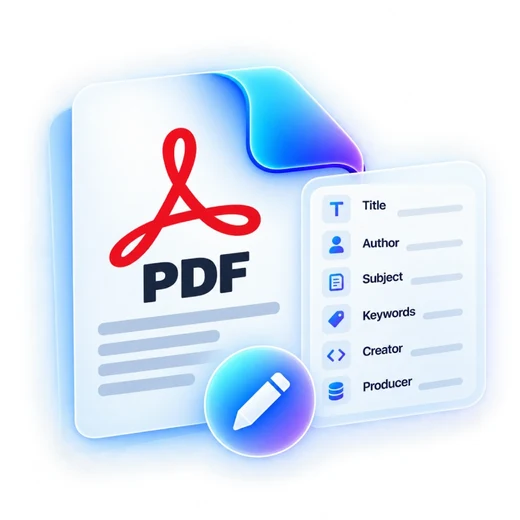
Update PDF title, author, subject, keywords, creator and producer fields.
or choose a file from your device
Clean up document properties before publishing, archiving or sharing a PDF.
No. It updates document metadata fields rather than visible page content.
Yes. Leave a supported field empty and save the new PDF.
No. PDFbrix creates a new downloadable file.