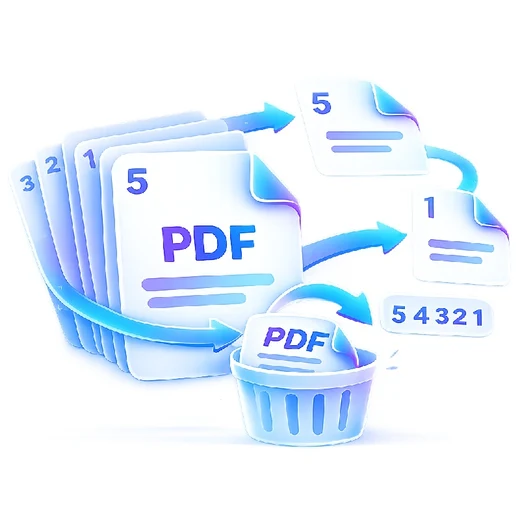
How to merge pdf
- Add two or more PDF files.
- Drag files or use the move controls to set the final order.
- Choose Merge PDF and download the combined document.
What this tool does
Merge reports, scans, invoices, forms or chapters into one PDF. Processing is local for this tool, so the selected documents are not sent to a PDFbrix document server.
Frequently asked questions
Can I change the order before merging?
Yes. Reorder the selected PDFs before processing and PDFbrix will merge them in that order.
Are my PDFs uploaded?
No. This Merge PDF tool processes the files locally in the browser.
Can I merge on mobile?
Yes, although very large files may work faster on devices with more memory.