
Organize PDF graphic Fast, focused workflow
Organize tool

Organize PDF

Reorder, rotate, duplicate and remove PDF pages visually.

Processes locally in your browser No account required

Drop your file here

or choose a file from your device

PDF · up to 250 MB per file · processed in this browser tab

How to organize pdf

  1. Add a PDF and wait for page thumbnails.
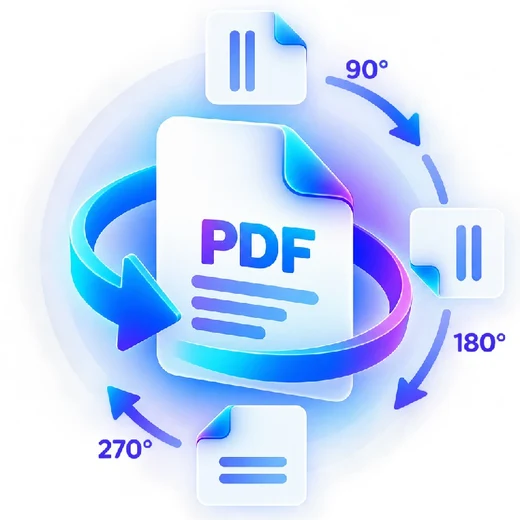
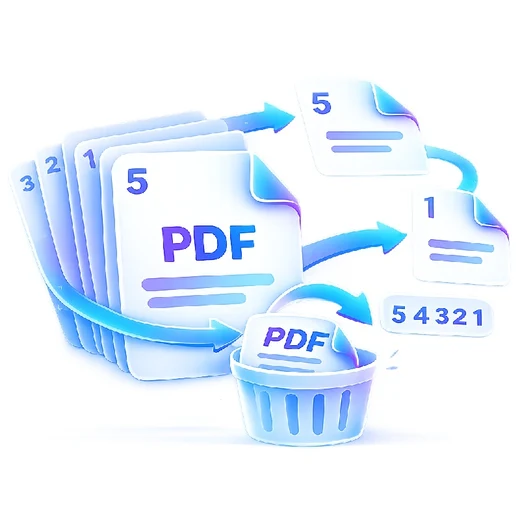
  2. Drag pages to reorder them; rotate, duplicate or remove pages as needed.
  3. Save the organized document as a new PDF.

What this tool does

Use a visual page workspace to clean up scanned packets, reports or presentations without uploading the document.


Frequently asked questions

Can I remove pages while organizing?

Yes. Use the remove action on a thumbnail; PDFbrix prevents you from removing every page.

Can I rotate only one page?

Yes. Rotation is stored per page in the organizer.

Can I duplicate a page?

Yes. Duplicate a thumbnail and place the copy anywhere in the final sequence.