How to images to pdf
- Add one or more images.
- Reorder images and choose page size, orientation and margins.
- Create one PDF and download it.
What this tool does
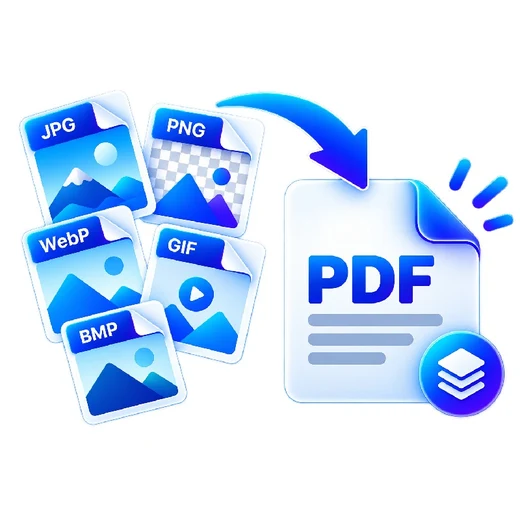
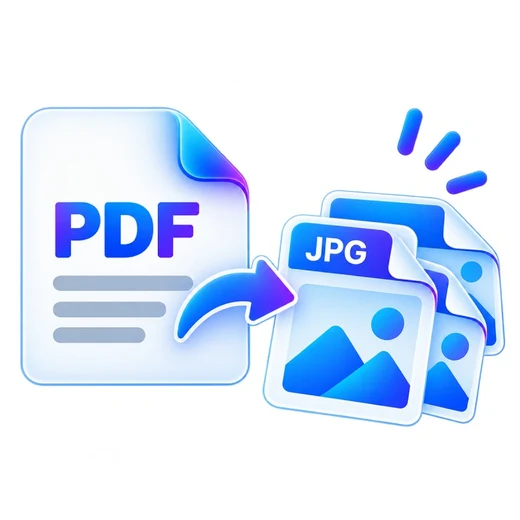
Turn photos, scans, screenshots or design exports into a single printable PDF with consistent page settings.
Frequently asked questions
Can I reorder images?
Yes. Drag files or use the move controls before creating the PDF.
Which image formats are supported?
JPG and PNG are embedded directly; WebP, GIF and BMP are converted in the browser when supported.
Are images uploaded?
No. The conversion runs locally in your browser.